

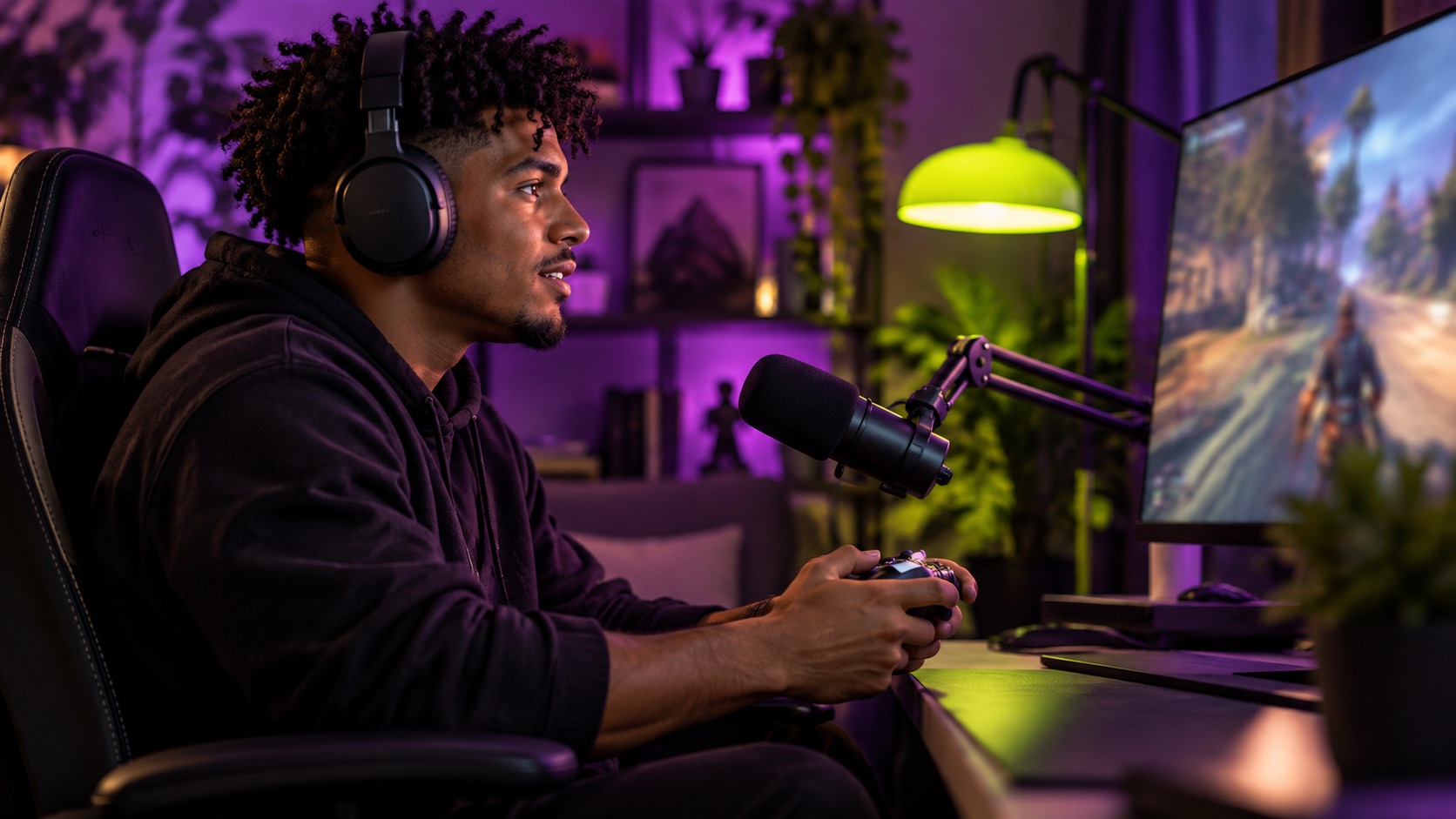
Choose a Twitch streamer by how the proposed sponsorship fits their live format and audience, then verify comparable evidence and execution readiness. Scope the integration, disclosure, moderation, timing, links, archive use, and fallback plan. Separate a live delivery commitment from a promise of audience size or sales. A popular stream can still be a poor setting for the product or message.
A brand chooses a streamer based on followers and a highlight reel. During the sponsored segment, the product setup fails, chat asks questions the brief did not anticipate, and the host moves quickly to the next activity. The placement happened, but the team had not defined what successful live execution looked like.
This guide focuses on discovery and scoping for a live sponsorship rather than a general livestream commerce plan. It is an editorial framework, not a benchmark for Twitch sponsorship fees, audience levels, or conversion. All example numbers are hypothetical. Platform policies, supported tools, product restrictions, and applicable disclosure requirements should be checked for the actual account and market.
Evaluate the live context before the profile size
Watch representative recent streams and record the category, language, pacing, host interaction, audience questions, and commercial treatment. A short clip can show presentation skill without revealing how the creator handles a live interruption or a complex explanation. The shortlist should be based on a consistent sample rather than only the most polished moment.
Use a creator discovery brief to explain why this live environment serves the audience's decision. A technical demonstration, a casual recommendation, and a sponsored activity require different host capabilities. Describe the product connection and the reason the audience would care. Do not assume every gaming, entertainment, or educational audience responds to the same brand integration.
Check whether the streamer can genuinely use or explain the product in the proposed format. A brand can provide accurate information and support without scripting a false personal experience. If the message needs extensive legal or technical qualification, assess whether a live segment is a workable format or whether a pre-reviewed asset would serve the audience better.
Normalize comparable stream evidence
Ask for evidence from streams comparable in category, duration, time slot, and format. Identify what each metric counts and its period. Concurrent viewers, unique viewers, followers, chat messages, and archive views describe different things. A large follower total should not be presented as the audience that will attend a particular live sponsorship.
Record the source of the metrics and any known gaps. If a creator supplies a report, identify the account, selected period, and relevant stream. If only public observations are available, describe them as observations rather than verified complete analytics. Do not invent demographic or buyer data to turn a partial record into a finished scorecard.
The creator audience fit framework helps connect this evidence to the campaign. Relevant language and audience discussion may be important for one brand, while location or professional context may matter more for another. Preserve the uncertainty around buyer fit instead of allowing a single scale metric to decide the shortlist.
| Evidence dimension | Review question | Weak shortcut |
|---|---|---|
| Comparable live audience | Same category, time, duration, and definition? | Followers treated as live attendance |
| Host integration | Can the creator explain or demonstrate this product? | Highlight reel treated as full execution proof |
| Community context | What questions and moderation needs recur? | Message volume treated as buyer intent |
| Operational readiness | Are setup, timing, links, and fallback tested? | Availability treated as technical readiness |
Scope the integration as a live operating task
Define what the streamer will do, for how long, at which point in the session, and with which materials. Separate the main segment from overlays, panels, chat links, supporting clips, or archive obligations. The brand should not infer an entire package from the phrase sponsored stream, and the creator should not discover additional inventory during launch.
Use a quote-ready campaign brief to identify approved statements, product setup, required support, disclosure, destination, and evidence of completion. Keep the brief short enough for live use, with a clear contact for unexpected questions. A detailed reference can support preparation, while the live checklist should surface the few decisions that matter during the segment.
Confirm the creator's autonomy during live interaction. A viewer may ask an unanticipated question or express criticism. The agreement should not require the host to invent an answer or conceal a genuine product issue. Define a safe response such as referring to verified information, acknowledging uncertainty, or asking the brand contact for a later answer.
Plan moderation and disclosures together
Identify who moderates the stream, handles sponsor links, and escalates harmful or misleading content. Do not assume the brand can control the creator's community or that moderators can answer every product question. Give them accurate materials for their assigned task and agree a contact path for issues outside that scope.
Twitch's Terms of Service describe branded-content responsibilities and use of its disclosure tool. Check the current terms and the specific sponsorship setup before launch. A platform setting is separate from the parties' obligations under applicable law, so obtain relevant review rather than assume that one toggle completes every disclosure requirement.[1]
The FTC's Endorsement Guides questions and answers address truthful endorsements and material connections in the United States. Use the actual audience and format to assess the disclosure with qualified reviewers where appropriate. The live nature of the segment should not become an excuse to invent personal claims or leave the commercial relationship unclear.[2]
Budget preparation and test the failure plan
A live package can include setup, rehearsal, technical checks, support, moderation, production, and subsequent clips. Make those tasks visible before comparing quotes. A creator who needs to configure equipment or test a product may perform substantial work before the stream starts. Paying only for minutes on air can obscure the actual scope.
For an illustrative package, assume a twelve-hundred-dollar live integration, two hundred dollars of agreed technical preparation, and one hundred fifty dollars for a separately scoped clip. The total is fifteen hundred fifty dollars before rights, expenses, taxes, or payment costs. These amounts demonstrate scope accounting, not a fair-rate benchmark.
Use the creator rush-fee framework if the brand changes the schedule or asks for last-minute setup. Decide what can realistically be accelerated and what remains a dependency. A rehearsal can reveal an unsupported device, broken link, or missing sample. Fix the cause or choose a fallback rather than rely on the host to improvise a product demonstration that has never worked.
Define fallback and measurement without promising attendance
Agree what happens if the stream is interrupted, the product setup fails, the offer becomes unavailable, or the platform blocks the intended format. A fallback might be a rescheduled segment, a supported alternative demonstration, or another negotiated outcome. Do not assume that an archive clip automatically replaces the live experience or the original contractual obligation.
Use influencer tracking links to test the destination, identifiers, and relevant reporting before the stream. Separate live links and later clip links when the distinction matters. A click count can describe observed action without proving every viewer noticed the message or that the sponsorship caused every subsequent purchase.
Confirm the evidence of delivery: stream date, segment time, approved integration, disclosure, supporting inventory, and available reports. Keep attendance estimates distinct from commitments. If the parties negotiate a delivery-based remedy, define it clearly and obtain appropriate review rather than apply an expected audience number as an automatic guarantee after launch.
- Review comparable live context
- Scope the integration and controls
- Test setup and fallback
- Verify delivery and supported outcomes
Review the pilot before expanding the partnership
Include a short moderator handover in the retrospective. Record which questions needed brand support, which links were difficult to share, and whether the host had a clear route to pause the integration. These observations can improve the next brief without treating ordinary audience criticism as a moderation defect or expecting the creator's team to act as an untrained product-support department.
After the sponsorship, assess whether the host understood the product, the setup worked, the segment fit the stream, the disclosure appeared, and the evidence arrived. Record operational issues separately from audience outcomes. A technically successful segment may still fail to produce the brand's hoped-for result, while a strong response may occur despite a workflow problem that needs correction.
The creator reporting template helps compare the agreed scope with actual delivery and available metrics. Include interruptions, offer changes, or missing tracking in the context. Avoid ranking creators on outcomes measured under materially different conditions without acknowledging those differences.
Choose a specific next action: repeat the integration, adjust the product explanation, use a pre-reviewed clip, improve support, test another streamer, or stop. A useful pilot should make the next sponsorship more deliberately scoped. The goal is not to find the loudest community or the biggest profile, but a creator whose live environment can serve the audience and the brand under a workable agreement.
- Watch comparable streams and explain product fit.
- Define audience metrics and their limits.
- Scope the live segment and supporting inventory.
- Check disclosure, moderation, setup, and fallback.
- Review delivery and outcomes before scaling.
Sources & References
- [1] Twitch — Terms of Service, Branded ContentCurrent official platform terms for branded-content disclosure and responsibilities; review the actual product and market before launch.↗
- [2] FTC — Endorsement Guides: What People Are AskingU.S. first-party guidance on endorsements, honest opinions, experience, and material relationships; not a global legal rule.↗